
Best Tattoo Stencil App in 2026: An Honest Comparison for Artists
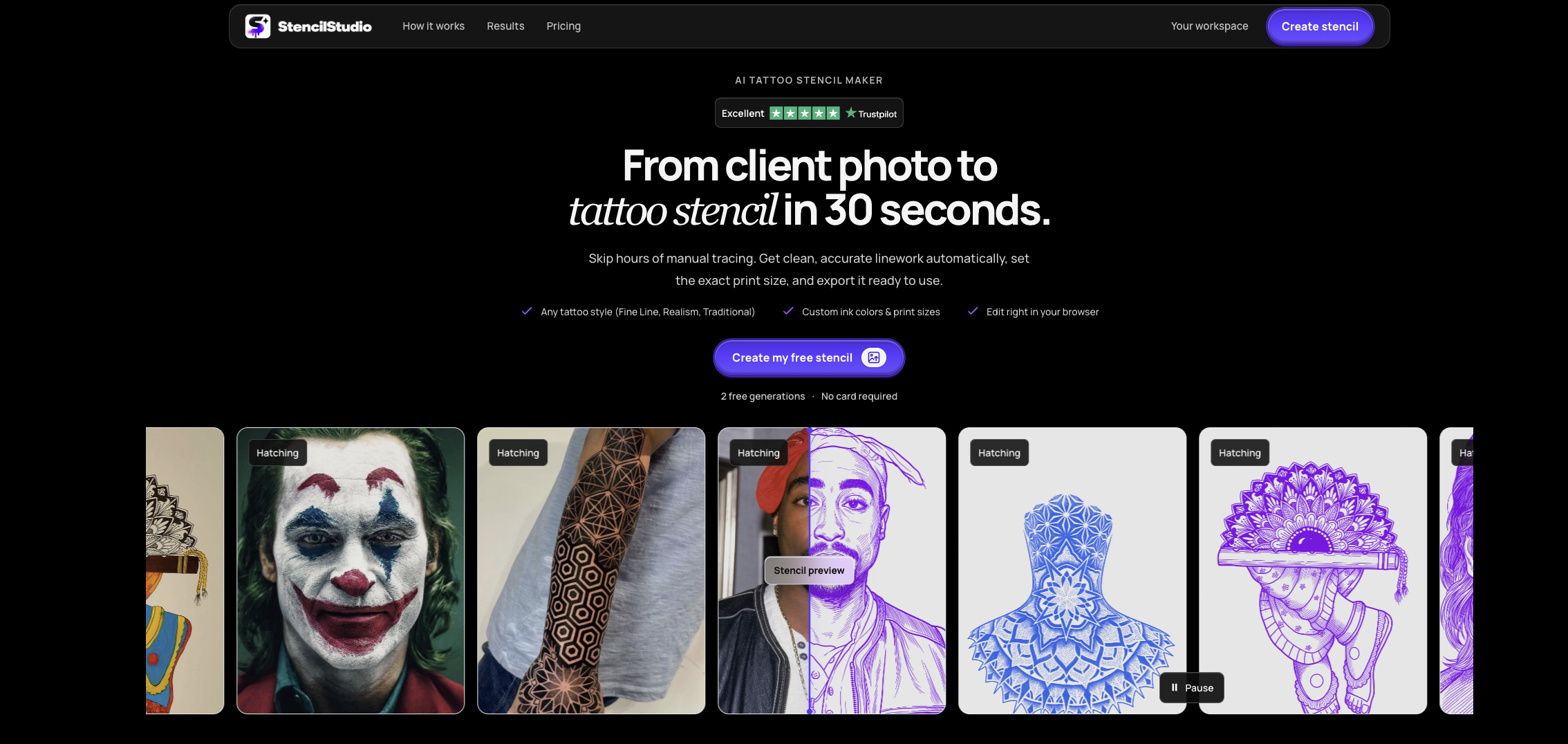
A client has approved the design. Now you need a stencil that keeps the important details without making every shadow, texture and stray mark another line to follow.
That’s the job this comparison focuses on: preparing existing artwork for tattooing. The order below puts reference conversion, editing and the ability to try before paying first. It’s based on published features, rather than a hands-on print test.
1. StencilMakerAI.com – Best starting point and professional for stencil conversion overall
StencilMakerAI.com, branded as Stencil Studio, takes first place here. It accepts drawings and photos, lets you choose the line detail, and gives you the option to edit the result before downloading it at your chosen size. For artists searching for the best tattoo stencil maker, that makes it a sensible place to start.
The editing is what interests me most. I wouldn’t choose a stencil app purely because its examples look impressive. I’d want to know what happens when the first result needs work. Can I compare it with the reference, make corrections and prepare the size without starting again elsewhere? Stencil Studio’s published tools cover comparing, editing, sizing, mirroring and exporting.
It also offers two free generations with an account, without requiring a payment card. Downloads are available as PNG, PDF or JPEG. That gives you a practical way to assess the output before making a purchase.
I’d use those three attempts on genuinely different pieces: a clean drawing, a shaded portrait and something with fine detail. Check what survives, what disappears and what needs correcting. Then inspect a print at the intended size.
Its first-place position comes down to that combination: conversion, room to make changes and a free starting point. It isn’t a claim that every result will be ready without an artist’s review.
2. XYZTattoo AI – Worth considering for its printing tools
XYZTattoo AI comes second, with features that deserve attention from artists who want to handle more of their preparation in the same app. It offers Outline, Standard and Hatching styles, alongside a Retouch editor and true-to-size printing through AirPrint. PDF and JPG printing exports are also advertised.
The Retouch editor supports drawing, erasing, lightening and darkening with pressure-sensitive brushes. There’s also a Tattoo Mode for keeping the reference visible during a session, with controls for brightness and contrast. Those are useful-looking additions beyond the initial conversion.
Read the plan details before subscribing, though. The Hobby plan lists Outline and Standard, while Pro includes all three styles, Retouch Studio, true-to-size printing and Tattoo Mode. The advertised introductory offer is five credits for $0.99 rather than a free allowance.
I’d give it particular consideration when printing and viewing references at the chair matter as much as generating the stencil itself.
3. Procreate – Best for drawing the lines yourself
Procreate takes third place for this particular task, but it deserves a different kind of consideration. It’s an iPad drawing app with layers, customisable brushes and Apple Pencil support, sold without a subscription. Its strength is giving you control over the artwork you create.
For a manually drawn stencil, you decide which contours matter, where to simplify and which details to leave out. Nothing needs to be accepted simply because a converter included it.
The trade-off is the drawing work. When you choose manual tracing, you’re still responsible for producing those lines. That may be exactly right for an original custom piece, but it serves a different need from converting an already-approved reference.
Which one should you choose?
Start with StencilMakerAI.com for reference-to-stencil preparation. Whichever you try, judge it on your own artwork. A useful stencil with a few sensible corrections is worth more than an impressive preview you have to rebuild.